- First release
- 2013, iOS 6
- Status
- Active, iOS 10 and newer
- US Copyright
- TXu 1-962-669
- Author
- Masih Abjadi (MasihTak)
Millions of Persian speakers. No Persian on iOS.
13years of releases, from iOS 6 onward
iOS lets you type in Persian, but Apple has never offered it as a system language. Menus, settings, Siri and the accessibility tools stay in a language many users don't read.
Persian Language for iOS closes that gap end to end. Every system string is localized against one consistent glossary, right-to-left layouts are checked screen by screen, and Persian reaches the voice and accessibility features people rely on every day.
The work started on iOS 6 in 2013 and has kept pace with Apple ever since, carried forward release after release.
One project, every iOS since 6
- 2013, first releaseiOS 6
- Siri and App Store addediOS 7
- Localized ahead of releaseiOS 8
- Copyright registered, 2015iOS 9
- LocalizediOS 10
- Still activeNewer
See it on the device
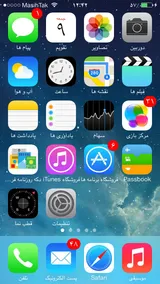
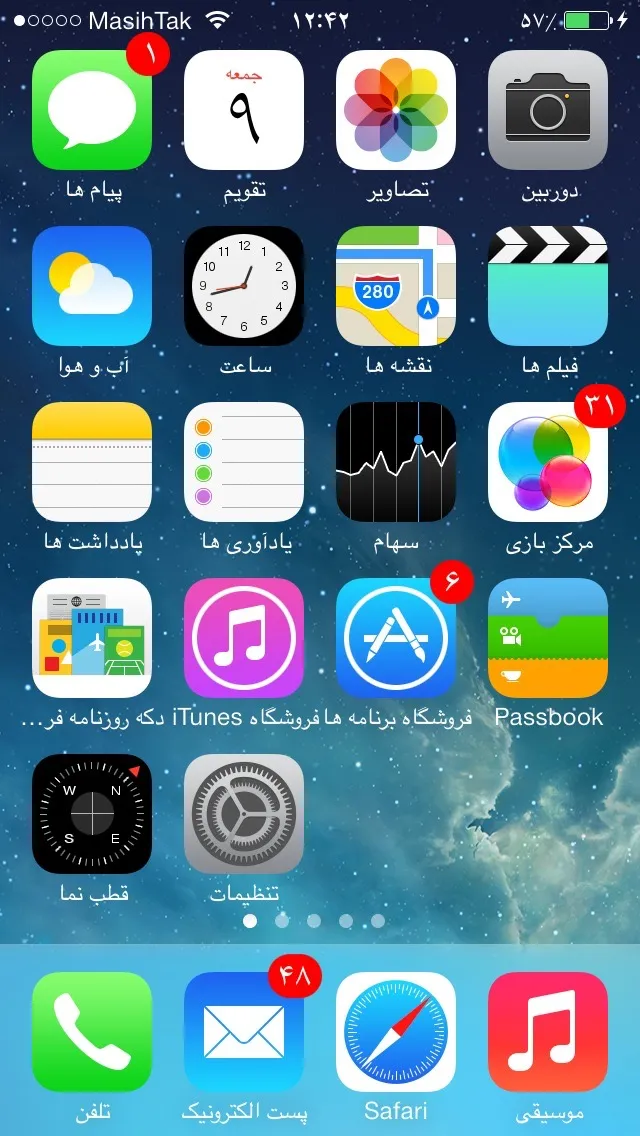
Original screenshots from an iPhone running the localization on iOS 7. Every label, every setting, right to left.
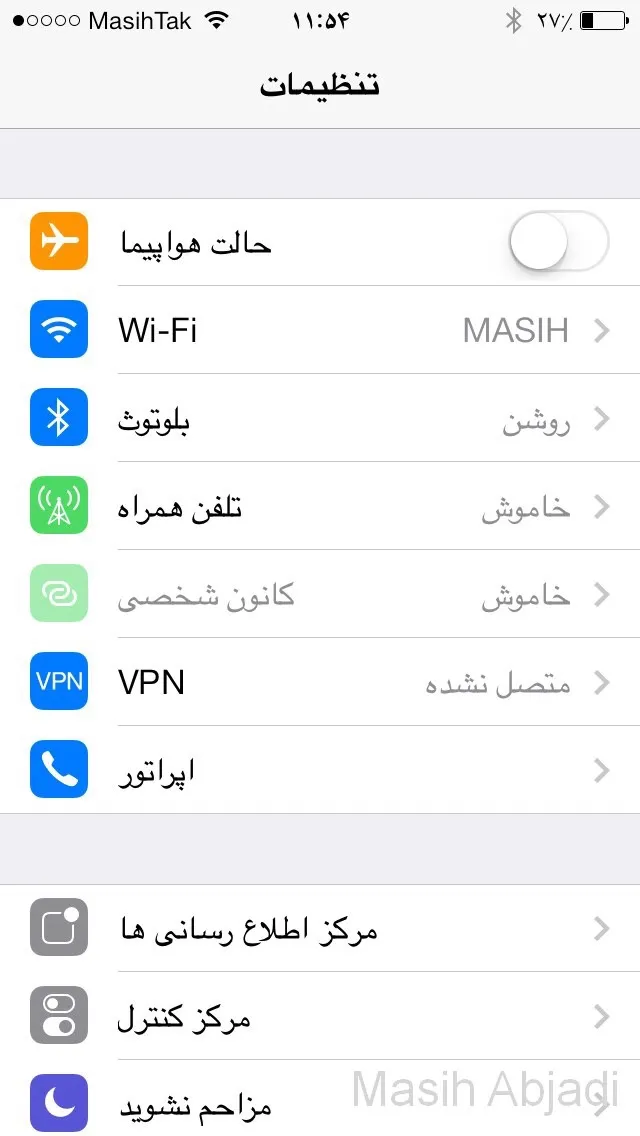
01Settings 02Home screen 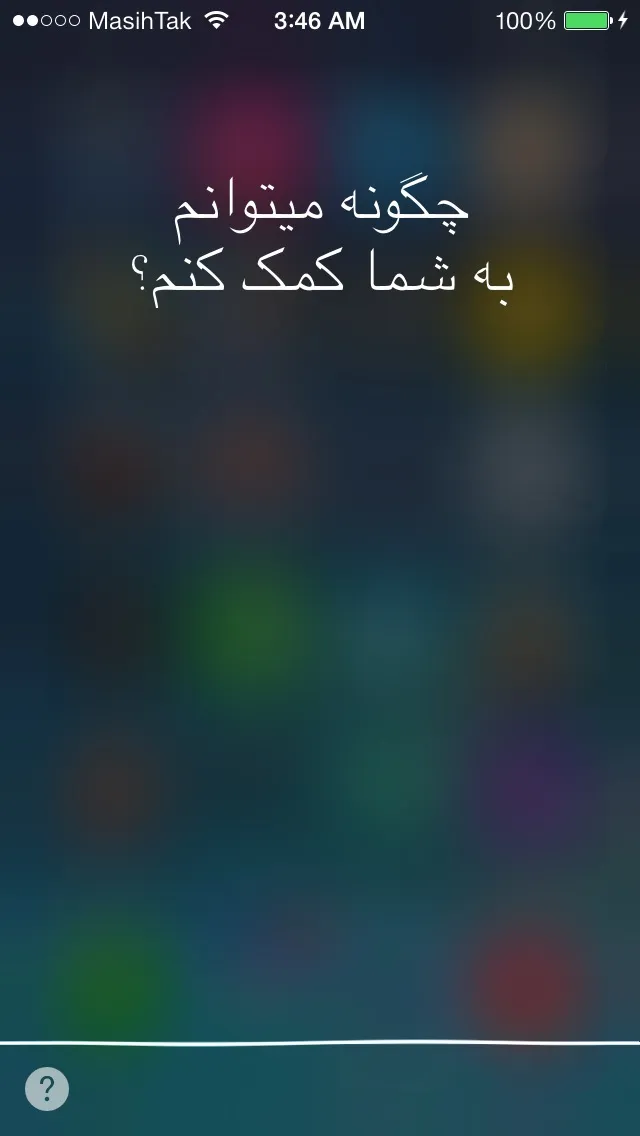
03Siri 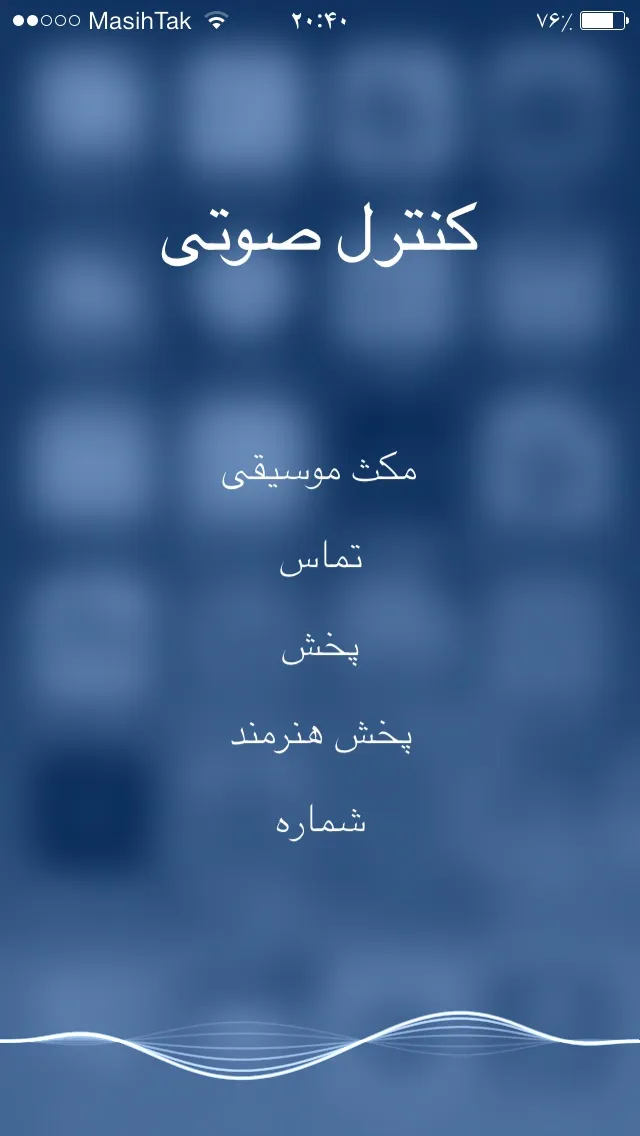
04Voice Control 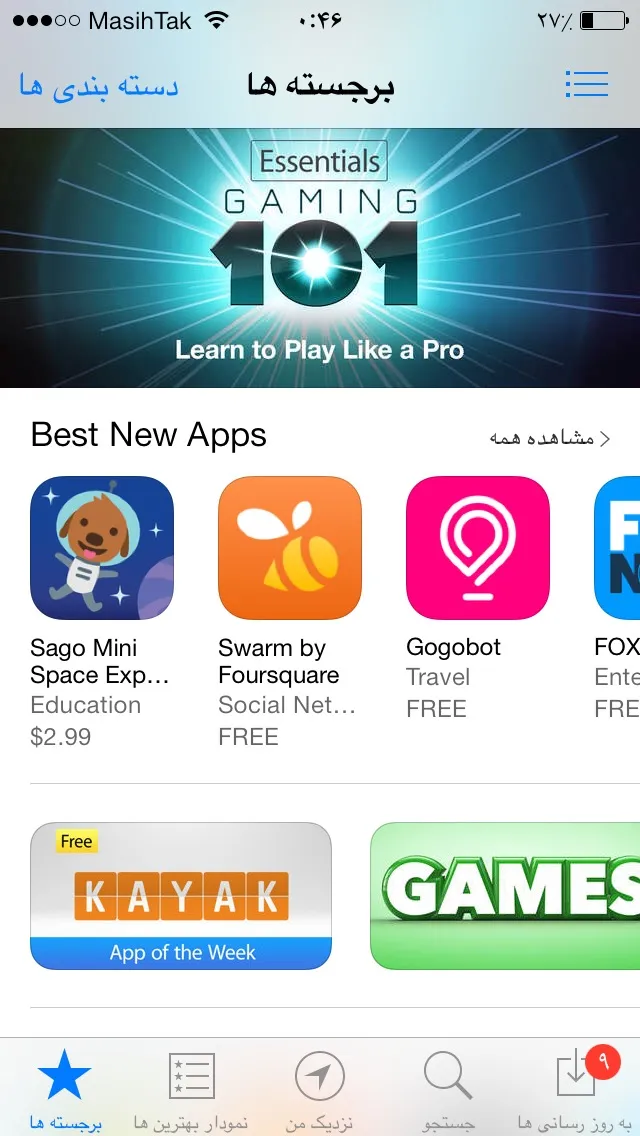
05App Store 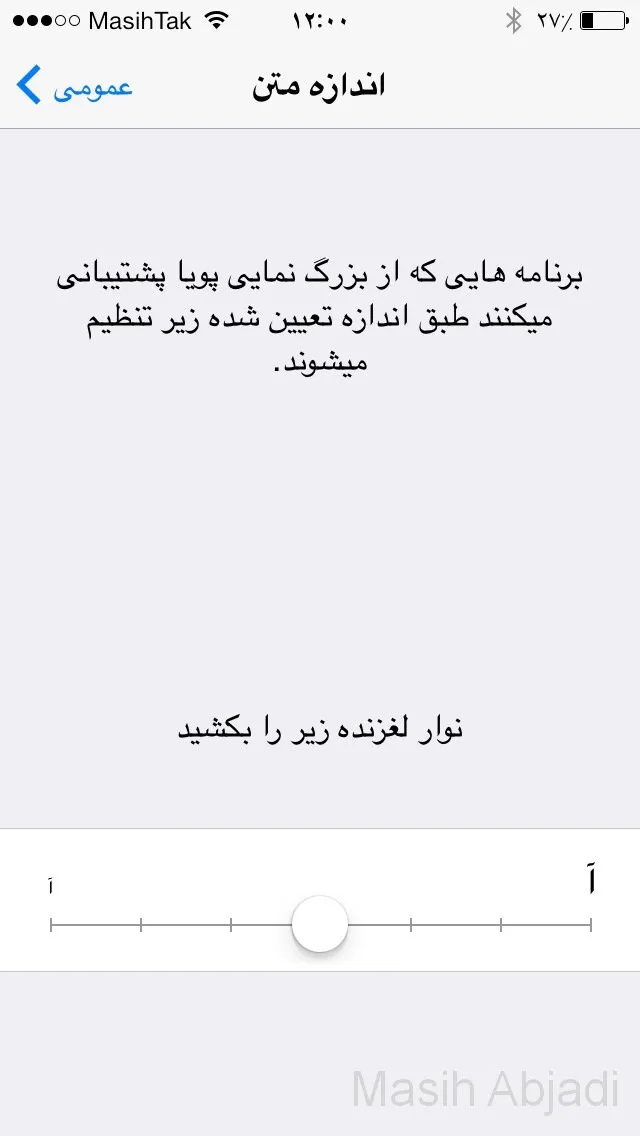
06Text Size 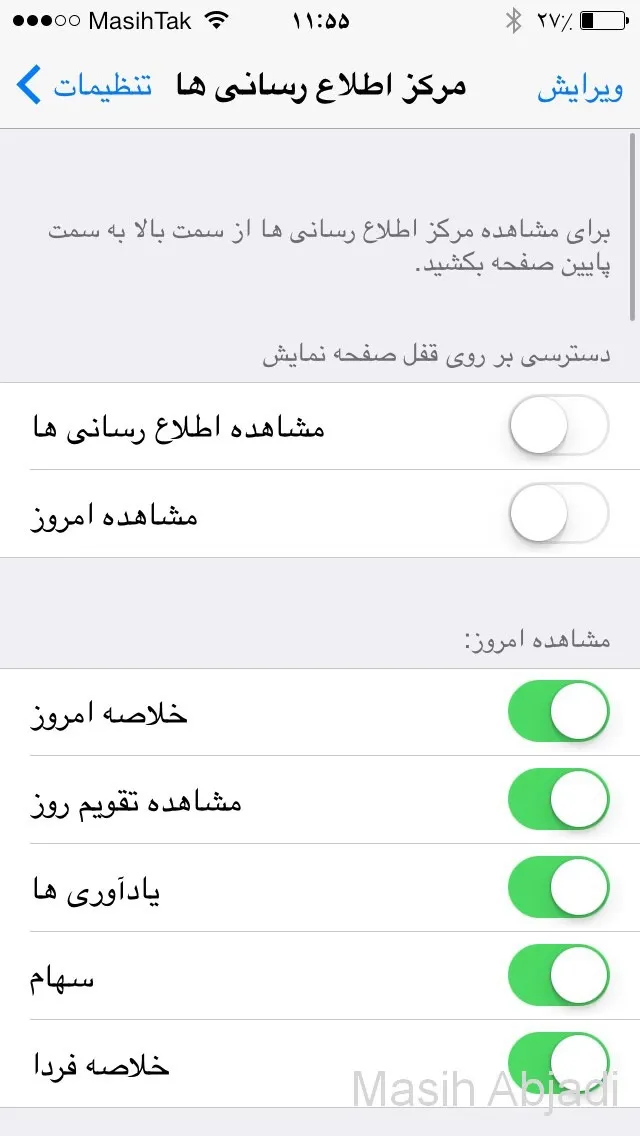
07Notification Center 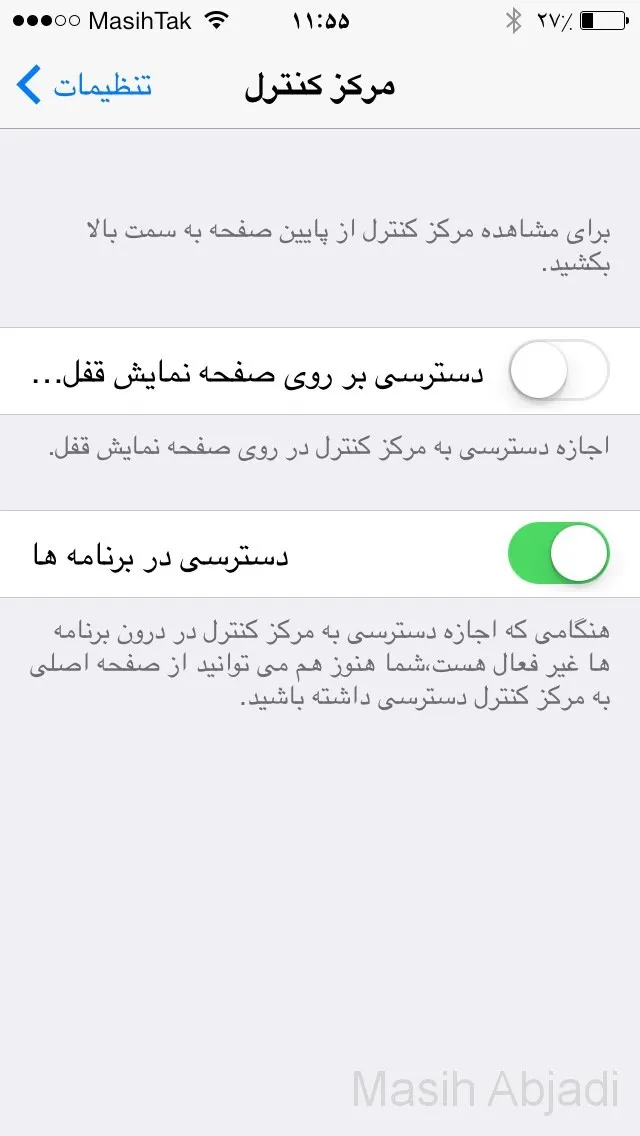
08Control Center 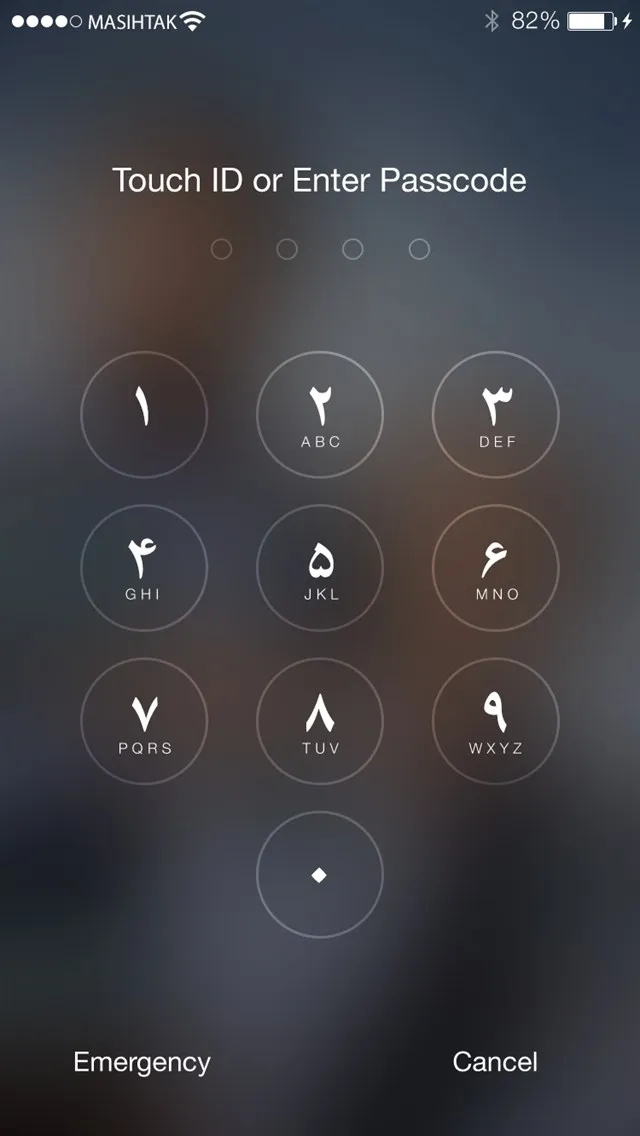
09Passcode keypad
Localized all the way down
Not just the visible interface. The voice and accessibility layers too, where most localization work stops.
The whole system interface
Home screen, Settings, Control Center, Notification Center, alerts and built-in apps, all mirrored for right-to-left reading.
Siri and Voice Control
Siri's prompts in Persian, and Persian voice commands for calling and music.
VoiceOver and Speak Selection
Persian for the screen reader and read-aloud, for blind and low-vision users.
App Store and iTunes
Store navigation and tabs in Persian, plus iTunes for Windows repackaged with a Persian installer.
Define
The system dictionary lookup, localized.
Professional localization
How every release is localized
Professional, release-grade localization: every string translated in context, held to one glossary and tested on screen before it ships.
- 01
Prepare
Audit each system bundle in the new iOS release.
- 02
Localize
Localize strings in context, never as isolated words.
- 03
Glossary
One Persian term per concept, used everywhere.
- 04
Test
Functional and linguistic checks of every RTL screen.
- 05
Final check
A last pass over every file before release.
- 06
Carry forward
Repeat for the next iOS version, and the next.
- Every string reviewed in context
- Every right-to-left screen tested
- Every iOS release since iOS 6
Registered with the U.S. Copyright Office
Registered as text and computer program, covering all iOS versions.
- Registration no.
- TXu 1-962-669
- Effective date
- October 21, 2015
- Title of work
- Persian Language for iOS by MasihTak
- Larger work
- All iOS versions, including Persian Voice Control, Siri, App Store, Define, Speak Selection, VoiceOver and iTunes
- Author
- Masih Abjadi